GitHub Actionsで.Drawioファイルを自動で画像出力してみた
2026年06月27日作成
2026年08月10日更新

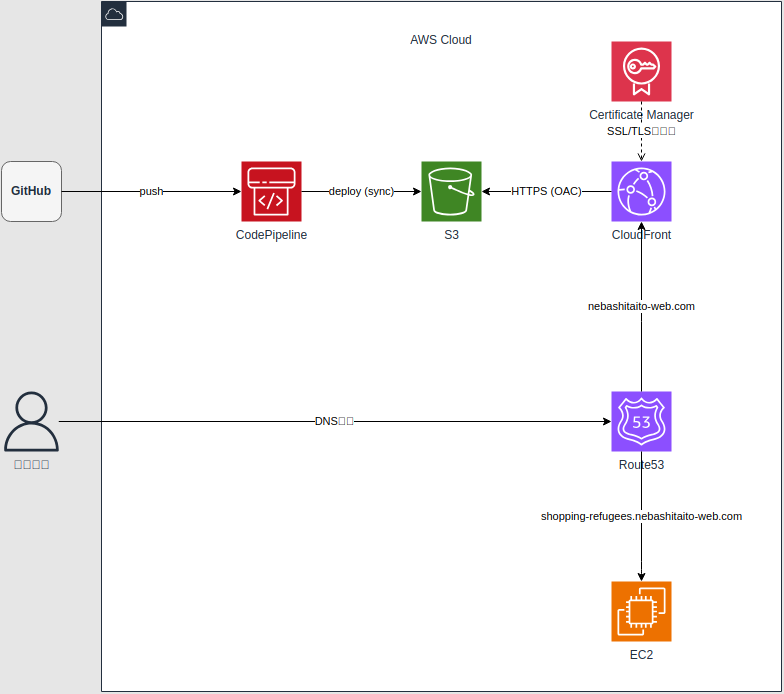
画面から操作するとこんな感じ
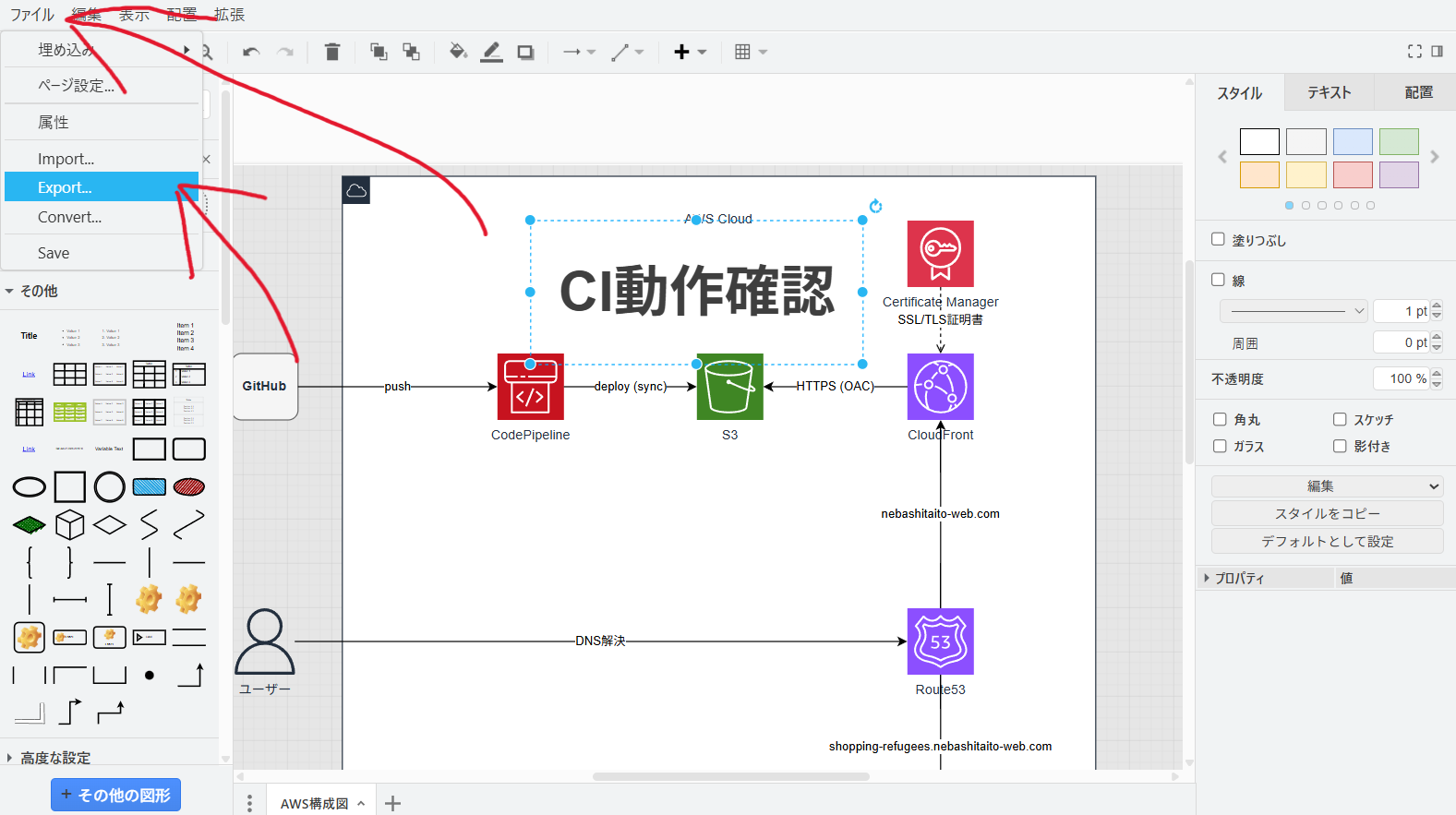
これを毎回手動で行って、保存した画像を過去の記事のディレクトリに配置するのは面倒くさい
そうだ!Github ActionsでCIを実装してみよう!
処理を記載するファイルを用意する
リポジトリのルートから見て、/.github/workflowsにYAMLファイルを配置する
YAMLファイル名は自由
YAMLファイルの拡張子は、.ymlか.yamlのどちか
今回は、ci.ymlにした
root
└.github
    └workflows
        └ci.yml
ci.ymlのコードを書いていく
name: CI
on: push
jobs:
    Drawio_Update:
        runs-on: ubuntu-latest
        steps:
            - uses: actions/checkout@v7

            - uses: actions/cache@v6
              id: cache-drawio
              with:
                  key: drawio-${{hashFiles('drawio/aws-architecture.drawio')}}
                  path: drawio/aws-architecture.drawio

            - run: xvfb-run drawio --export --format png --output images/article_no19/image0.png drawio/aws-architecture.drawio
                  if:steps.cache-drawio.outputs.cache-hit == "false"
ブラウザ上から確認してみると失敗。理由は、drawioコマンドが使用できない
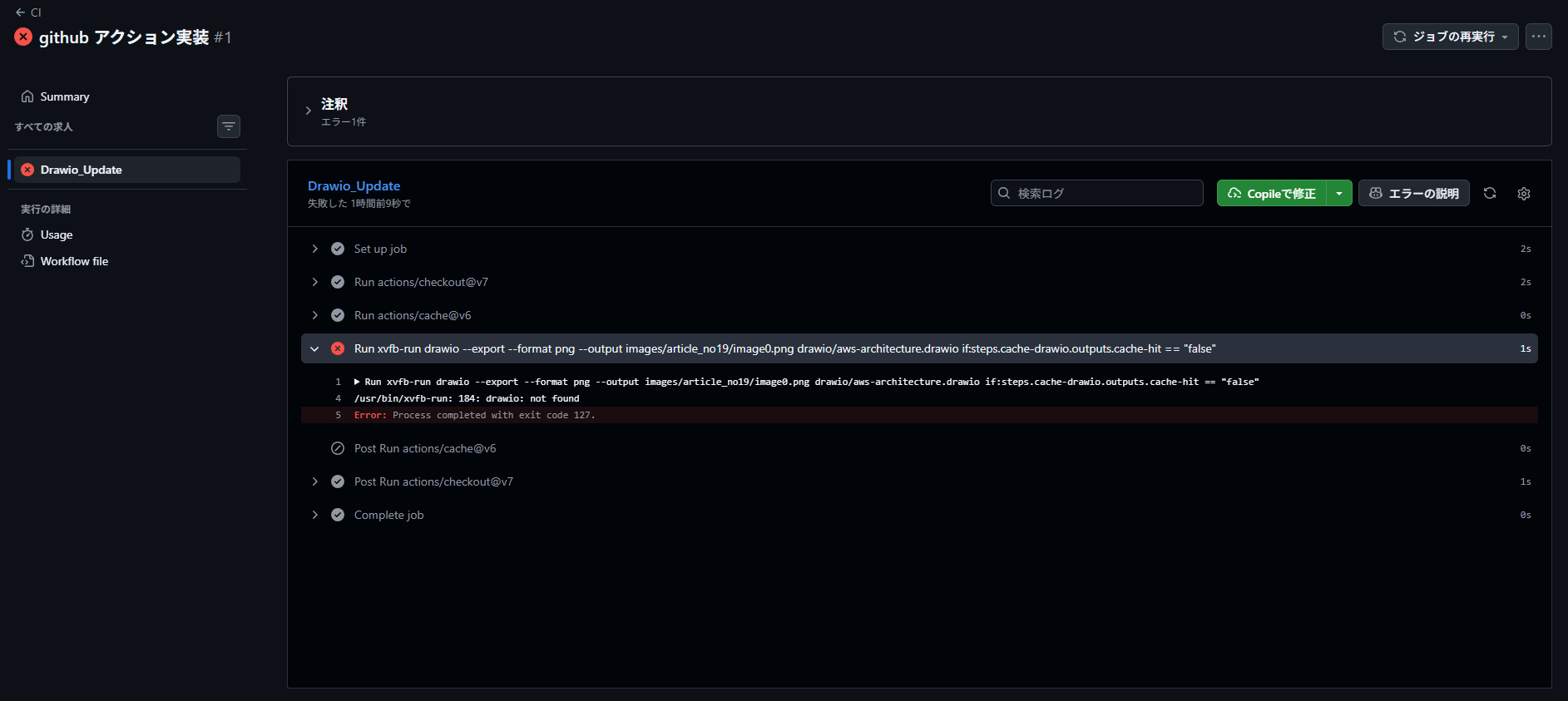
draw.ioセットアップを追加
drawioコマンドを実行するために必要なファイルをダウンロードするコマンドを追記する
drawioコマンドは今回の記事の趣旨ではないので、GitHub Copilot(Cloude Sonnet4.6)に用意してもらいました。
name: CI
on: push
jobs:
    Drawio_Update:
        runs-on: ubuntu-latest
        steps:
            - name: チェックアウト
              uses: actions/checkout@v7

            - name: キャッシュ取得
              uses: actions/cache@v6
              id: cache-drawio
              with:
                  key: drawio-${{hashFiles('drawio/aws-architecture.drawio')}}
                  path: drawio/aws-architecture.drawio

            - name: draw.ioセットアップ
              run: |
                  sudo apt-get install -y libgbm1 libnotify4 libsecret-1-0
                  wget -q https://github.com/jgraph/drawio-desktop/releases/download/v24.7.5/drawio-amd64-24.7.5.deb
                  sudo dpkg -i drawio-amd64-24.7.5.deb

            - name: 画像出力
              if: steps.cache-drawio.outputs.cache-hit != 'true'
              run: xvfb-run drawio --export --format png --output images/article_no19/image0.png drawio/aws-architecture.drawio
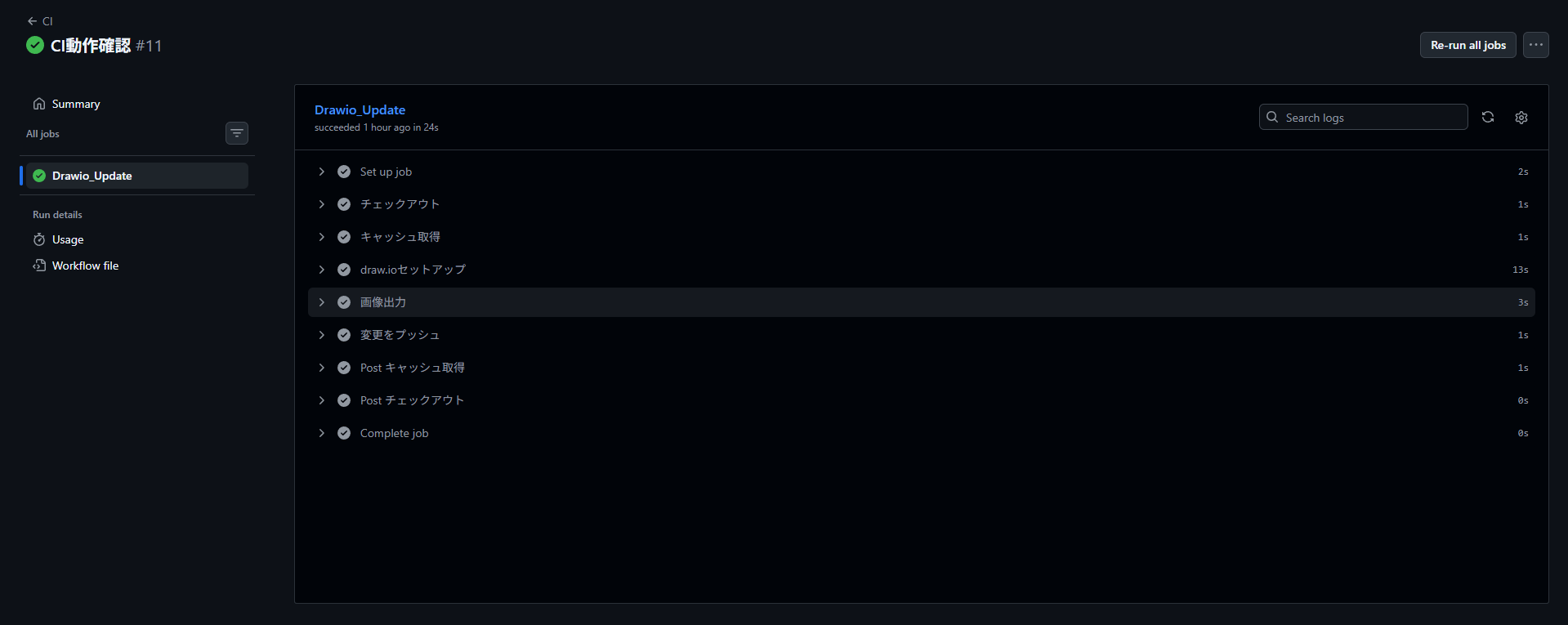
ブラウザ上から確認してみると成功
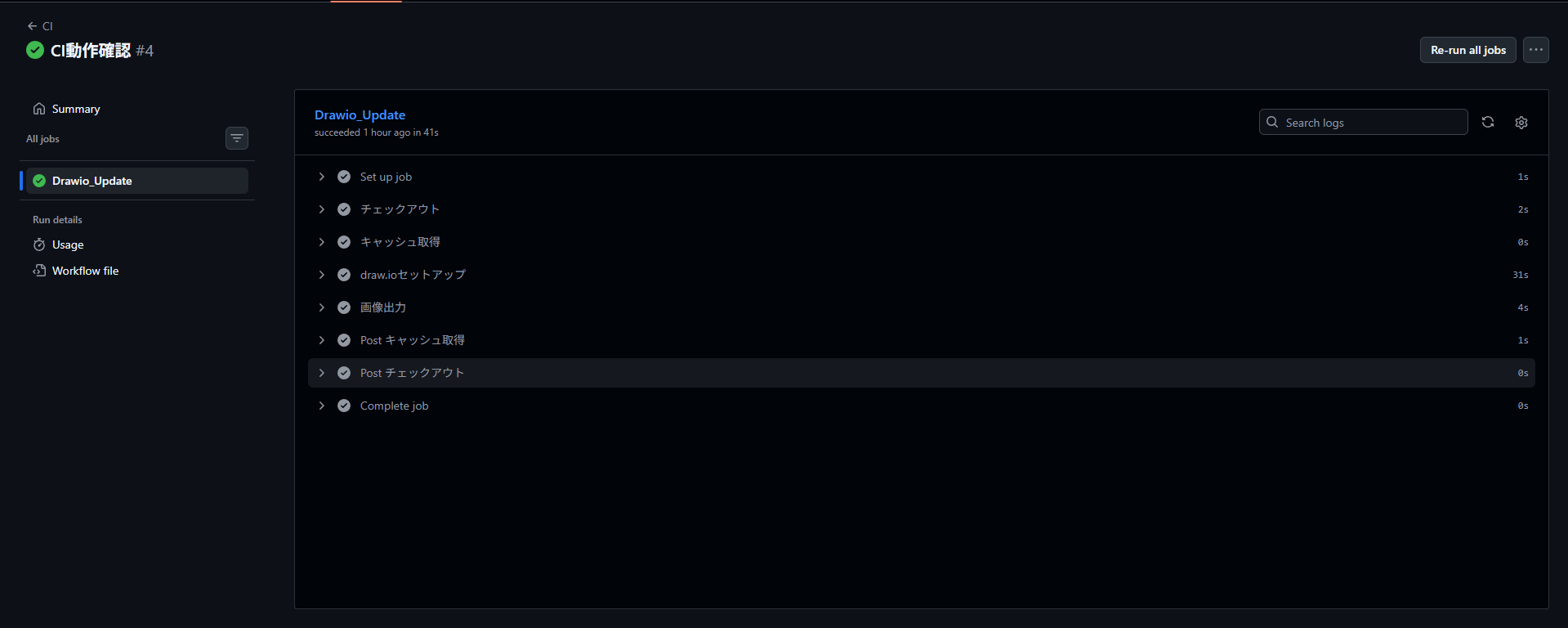
でも、ブログ上の画像は更新されていない
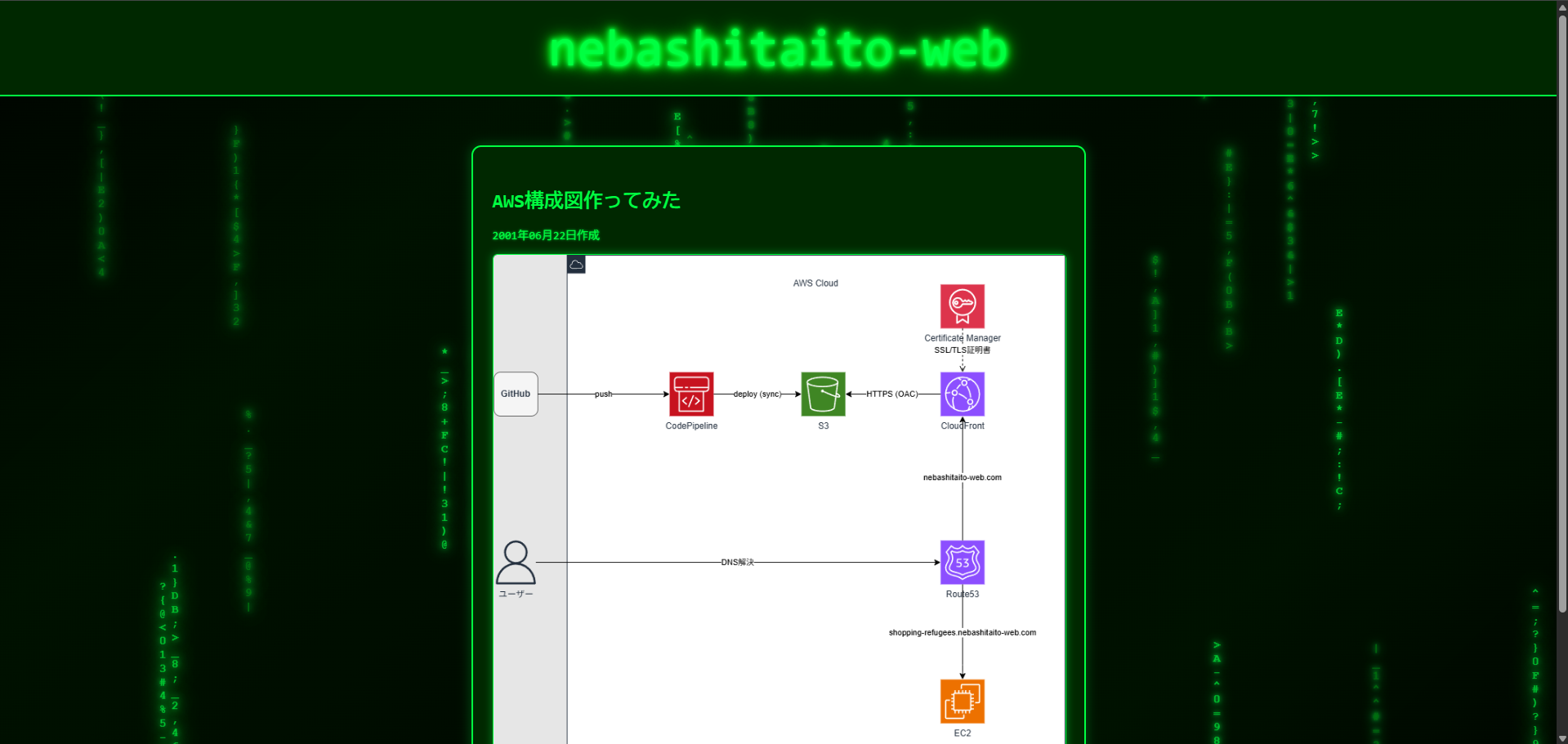
GitHub Actions上で画像出力しただけで、その画像をリポジトリへ追加していなかった。
git pushコマンドを追加
name: CI
on: push
permissions:
    contents: write

jobs:
    Drawio_Update:
        runs-on: ubuntu-latest
        steps:
            - name: チェックアウト
              uses: actions/checkout@v7

            - name: キャッシュ取得
              uses: actions/cache@v6
              id: cache-drawio
              with:
                  key: drawio-${{hashFiles('drawio/aws-architecture.drawio')}}
                  path: drawio/aws-architecture.drawio

            - name: draw.ioセットアップ
              if: steps.cache-drawio.outputs.cache-hit != 'true'
              run: |
                  sudo apt-get install -y libgbm1 libnotify4 libsecret-1-0
                  wget -q https://github.com/jgraph/drawio-desktop/releases/download/v24.7.5/drawio-amd64-24.7.5.deb
                  sudo dpkg -i drawio-amd64-24.7.5.deb

            - name: 画像出力
              if: steps.cache-drawio.outputs.cache-hit != 'true'
              run: xvfb-run drawio --export --format png --output images/article_no19/image0.png drawio/aws-architecture.drawio

            - name: 変更をプッシュ
              if: steps.cache-drawio.outputs.cache-hit != 'true'
              run: |
                  git config user.name "github-actions[bot]"
                  git config user.email "github-actions[bot]@users.noreply.github.com"
                  git add images/article_no19/image0.png
                  git commit -m "drawio update"
                  git push
ブラウザ上から確認してみると成功
ブログの画像を確認
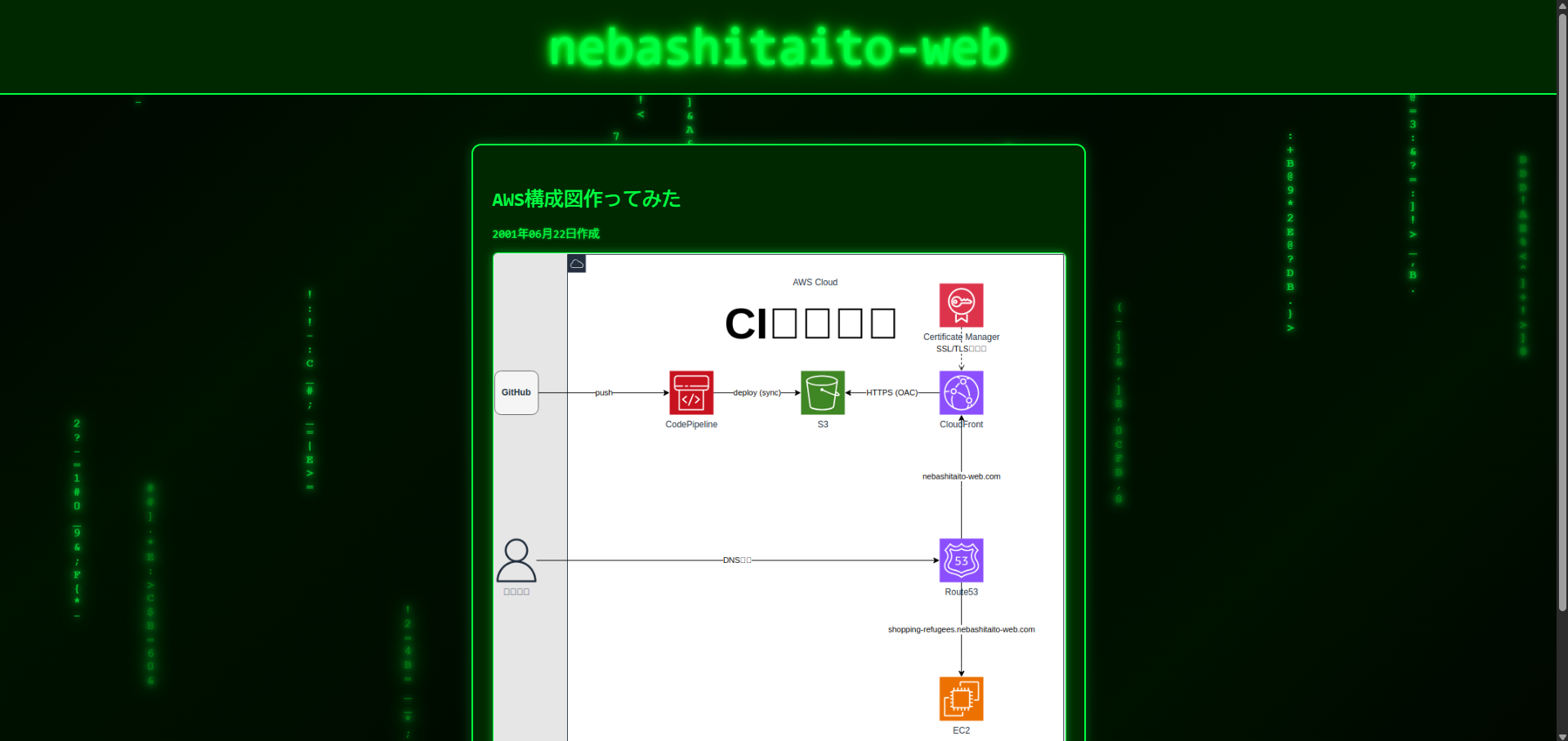
日本語の箇所が文字化けしているものの、更新されていることを確認できた!
後日談
HTMLとCSSの微調整中に何故かCIが失敗する事象に遭遇(CIで更新対象とするDraw.ioは何も触っていない)
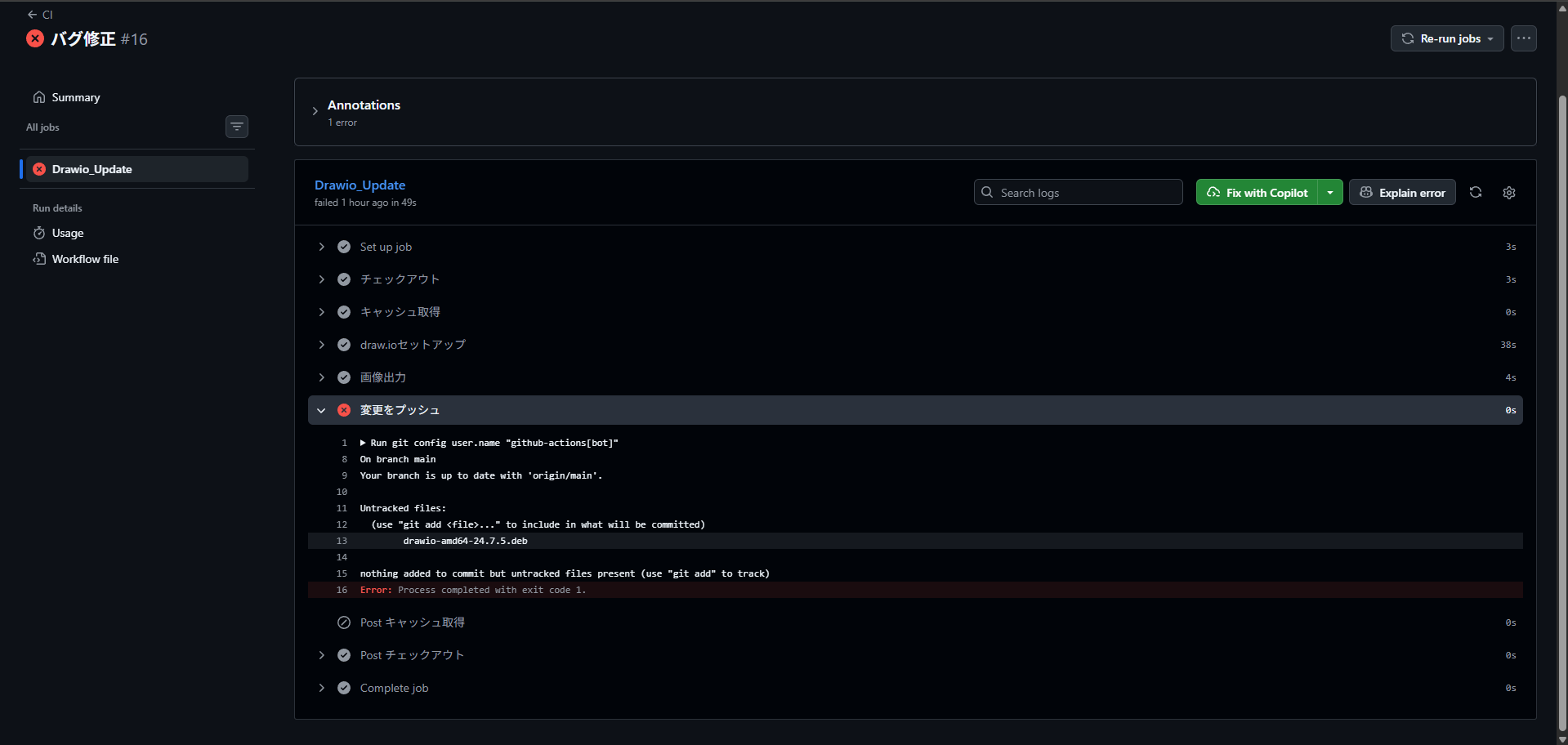
1. Draw.ioに変更が何もない
↓
2. キャッシュヒットするはずが、何故かしなかった。【ここがおかしい】
↓
3. ワークフローは、Draw.ioが更新されたと思い込み、画像を再出力される。再出力なのでコード的な変更は何もない
↓
4. Git君「差分無し!プッシュするものが何もないよ!? エラー!」
原因は、GitHubのキャッシュの期限が1週間だった。
この記事の作成日時と更新日時を見てもらえれば分かるが、実装からバグ発生まで1カ月以上空いている。

これにより、 2.キャッシュヒットするはずが、何故かしなかった。【ここがおかしい】 が発生した。
業務だと一週間以上ワークフロー実行が空く事なんてなかったので盲点でした。
ワークフローを改修
Githubのキャッシュではなく、Gitのコミットハッシュを比較するような形へ変更
name: CI
on: push
permissions:
    contents: write

jobs:
    Drawio_Update:
        runs-on: ubuntu-latest
        steps:
            - name: チェックアウト
              uses: actions/checkout@v7
              with:
                  fetch-depth: 0

            - name: 差分検知
              id: cache-drawio
              run: |
                  DRAWIO_COMMIT=$(git log -1 --format=%H -- drawio/aws-architecture.drawio)
                  IMAGE_COMMIT=$(git log -1 --format=%H -- images/article_no19/image0.png)

                  if git merge-base --is-ancestor "$DRAWIO_COMMIT" "$IMAGE_COMMIT"; then
                      echo "cache-hit=true" >> "$GITHUB_OUTPUT"
                  else
                      echo "cache-hit=false" >> "$GITHUB_OUTPUT"
                  fi

            - name: draw.ioセットアップ
              if: steps.cache-drawio.outputs.cache-hit != 'true'
              run: |
                  sudo apt-get install -y libgbm1 libnotify4 libsecret-1-0
                  wget -q https://github.com/jgraph/drawio-desktop/releases/download/v24.7.5/drawio-amd64-24.7.5.deb
                  sudo dpkg -i drawio-amd64-24.7.5.deb

            - name: 画像出力
              if: steps.cache-drawio.outputs.cache-hit != 'true'
              run: xvfb-run drawio --export --format png --output images/article_no19/image0.png drawio/aws-architecture.drawio

            - name: 変更をプッシュ
              if: steps.cache-drawio.outputs.cache-hit != 'true'
              run: |
                  git config user.name "github-actions[bot]"
                  git config user.email "github-actions[bot]@users.noreply.github.com"
                  git add images/article_no19/image0.png
                  git commit -m "drawio update"
                  git push